Creating Images More Precisely
Date: 2026-06-12
Category: News
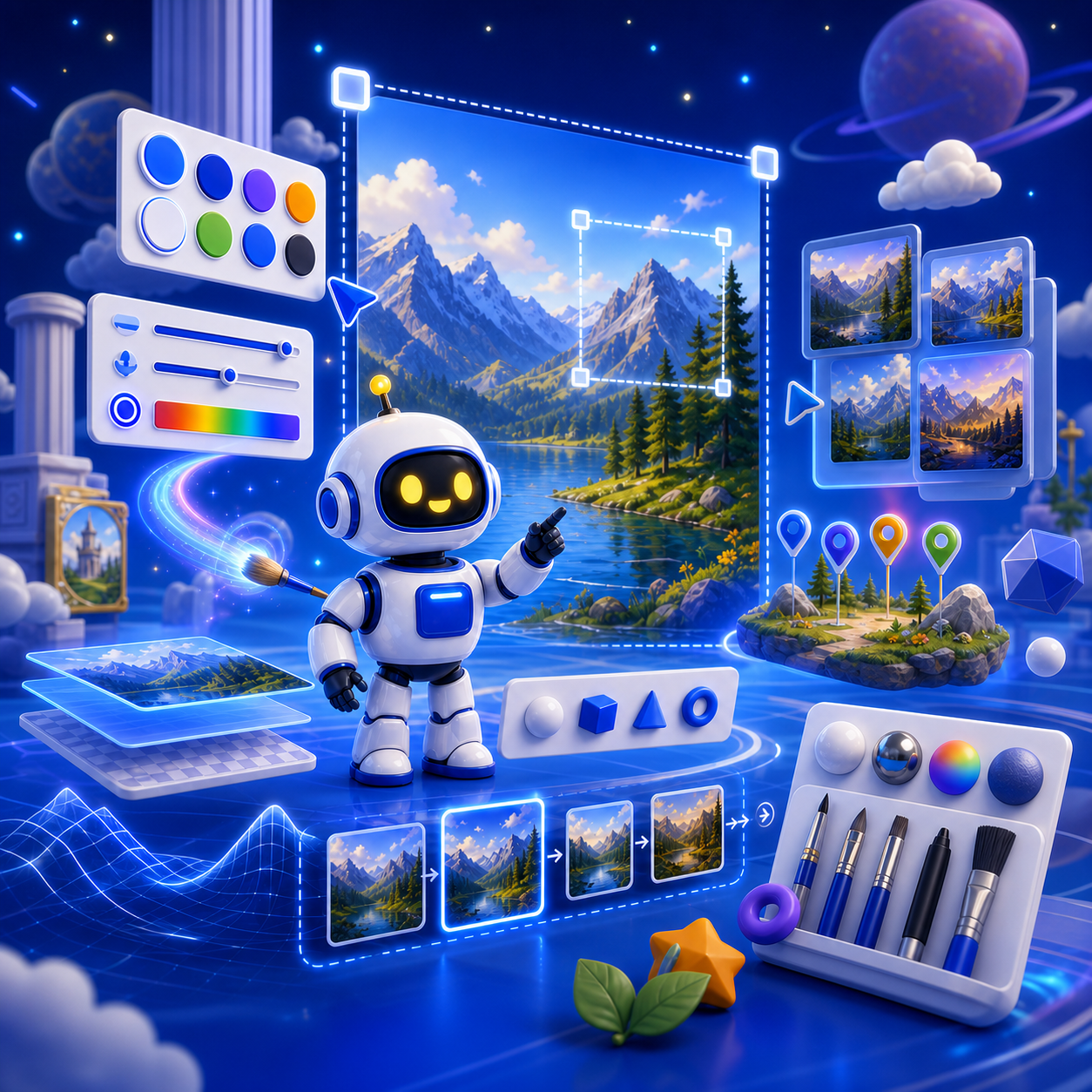
In AI-School, the ‘Text to Image’ button lets you work much more precisely on strong images for your teaching materials, explanations, or presentations. You’ll find this button as the second button directly below the input field on the dashboard. What makes this feature especially useful is that you don’t just generate an image — you can also actively steer the result. You can experiment with colors, style, and dimensions, so the image better matches what you want to convey. You can also add images for inspiration to make it clearer which direction you want to go in. In addition, you can easily work from version to version, allowing you to keep improving an image step by step. With annotations, you can indicate very precisely what should be changed, so you can make targeted adjustments. This makes creating images in AI-School not only easier, but also more creative and goal-oriented.
