The Knowledge Base, now more personal
Find school information in one place and save knowledge for later.
Date: 2026-10-09
Category: News
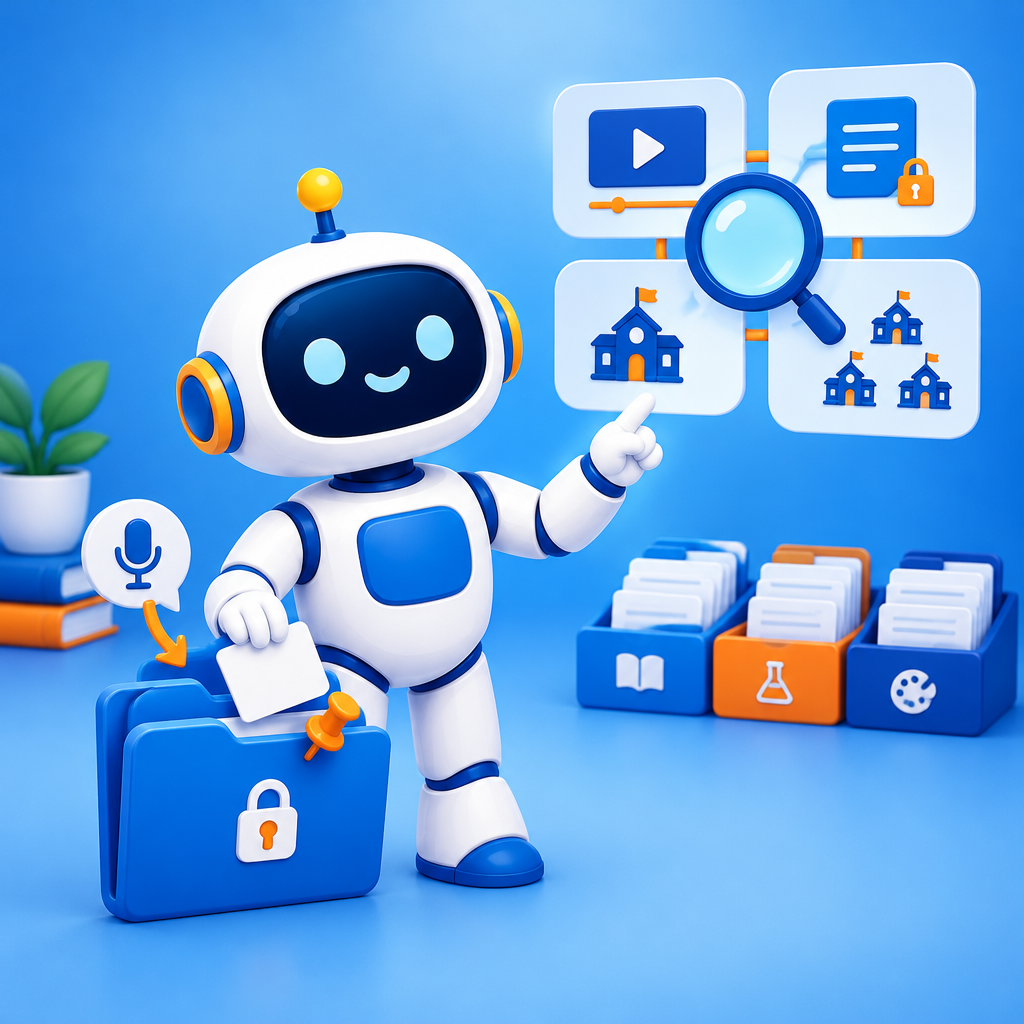
The Knowledge Base now has four sections: AI-School, Personal, School and School Board. In AI-School, you can play the latest video straight away and find videos by category, courses and news. School and School Board include documents, assistants, templates and links, among other things. Under School, you’ll also find My departments.
Want to find something quickly? Use the search bar at the top to search all sections at once. You can also pin items in the Knowledge Base. Your pinned items and recent notes appear under Personal.
The personal knowledge base is new. For example, say or type “remember this” in a chat or voice conversation to save a lesson idea or an experience. Under Personal → My notes, you can also add an item yourself, label it, edit it or delete it. AI-School can use that knowledge when you ask a question later. You’ll see this under Sources as “Personal: …”. Only you can see your own knowledge items.
Schools and school boards can share knowledge documents with staff, students or both. School documents can also be made available to specific departments. Staff in those departments can find them under My departments.
Open the Knowledge Base to explore its sections, pin an item or save your first personal note.