Managing Knowledge Base
AI-School has a managed knowledge base where we post about various general topics. In addition, we also offer the possibility to set up a school-specific knowledge base.
Where is the knowledge base visible?
The school-specific knowledge base is visible to users in two places:
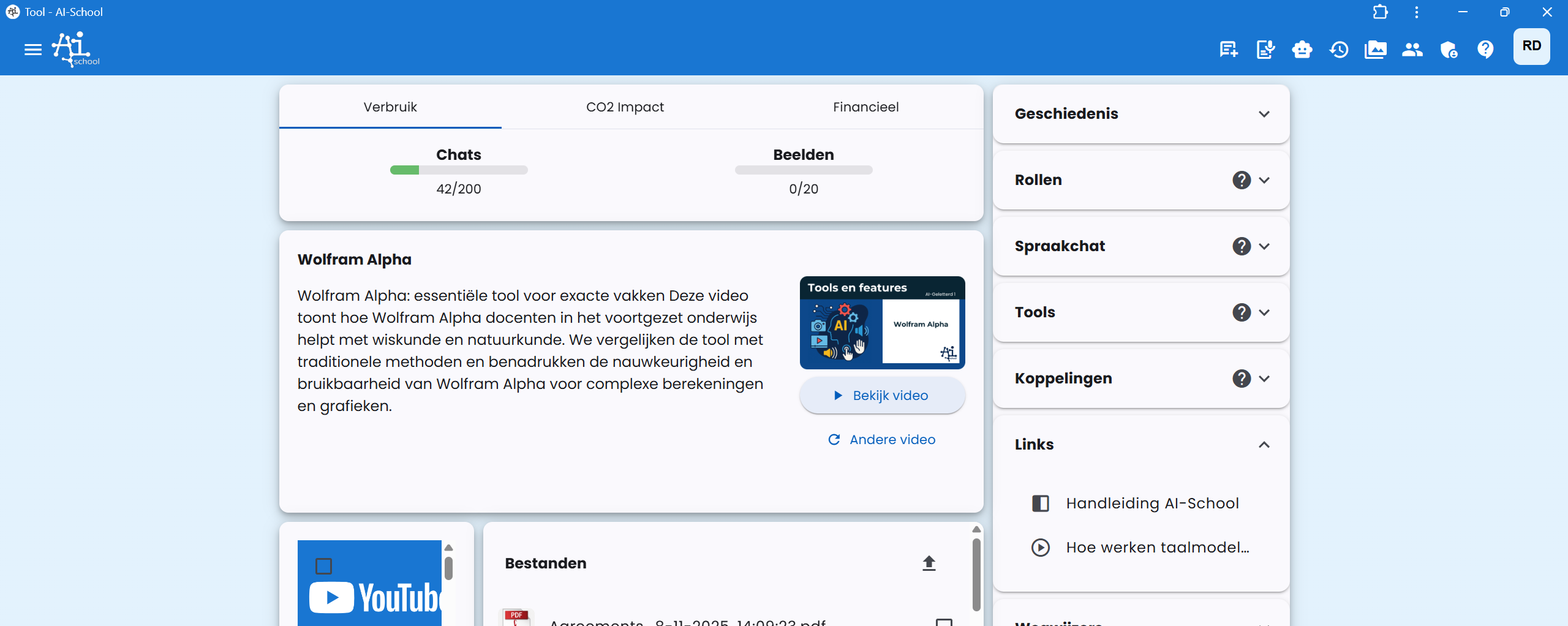
1. On the dashboard
Knowledge base items appear as links on the user's dashboard.
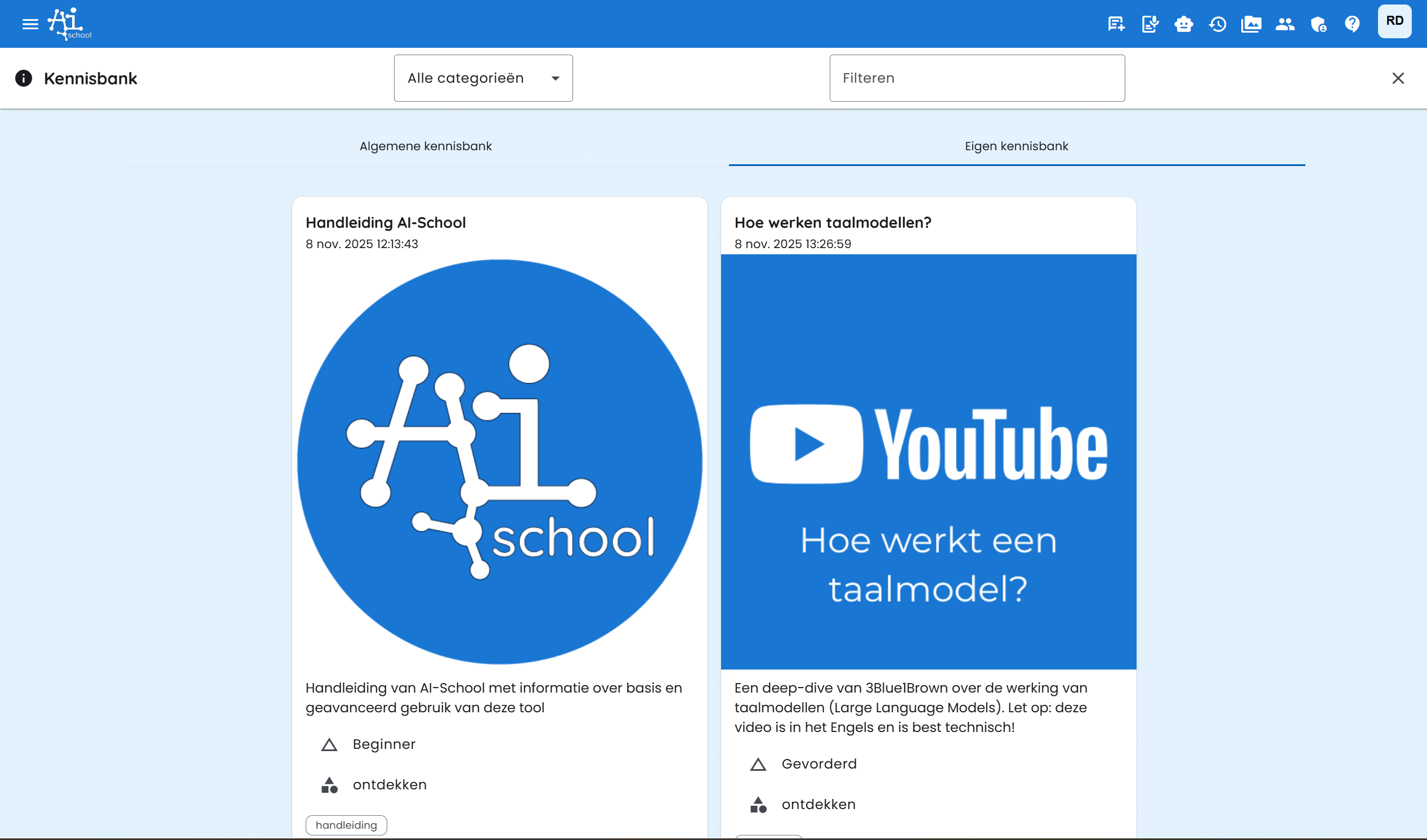
2. On the knowledge base page
Knowledge base items can be found under the Own Knowledge Base tab on the knowledge base page.
Adding a knowledge base item
To set up the knowledge base, the school administrator must go to the admin environment and click on the plus button.

This opens a stepper form with five steps.
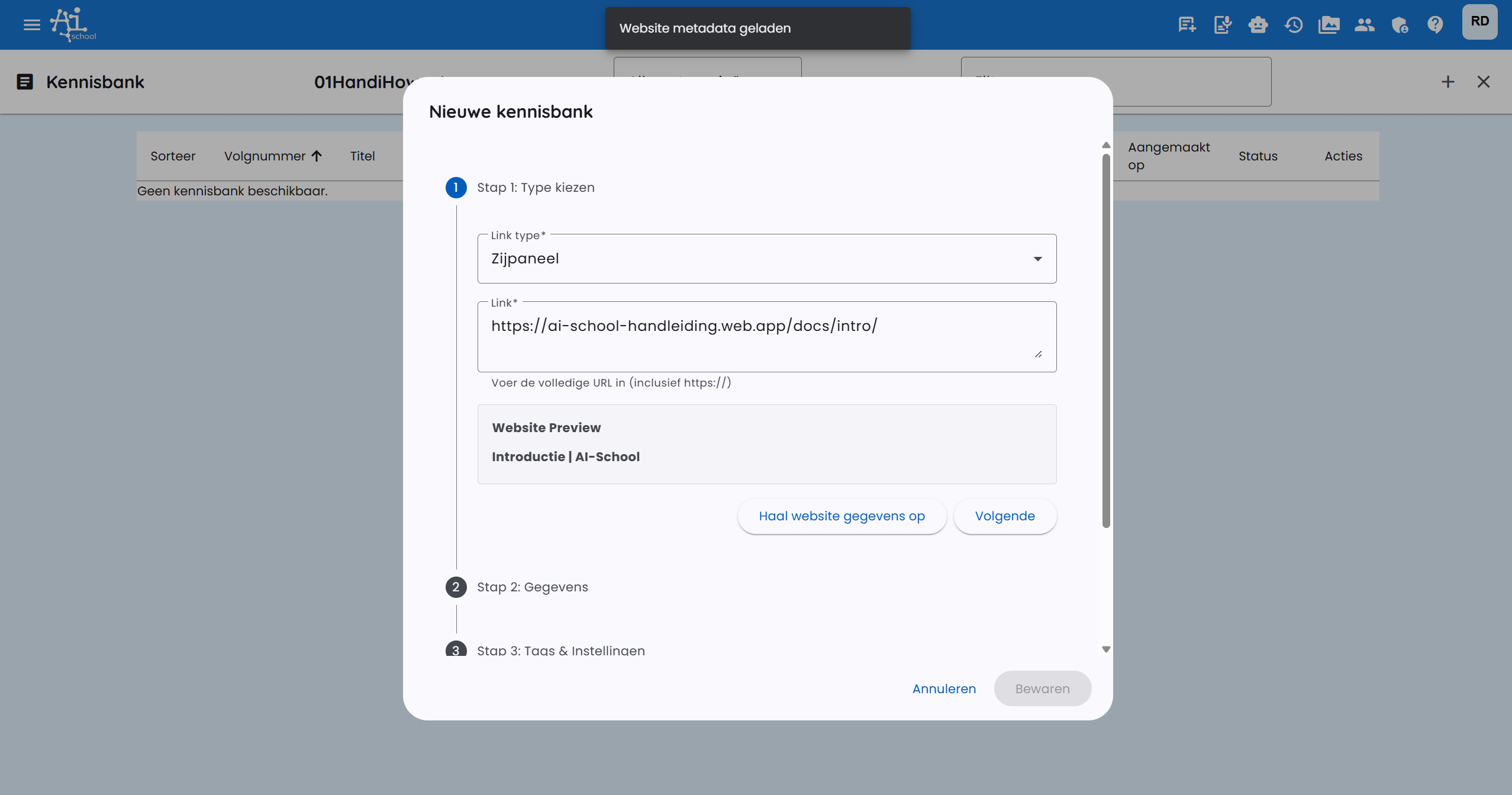
Step 1: Type of knowledge base item
In the first step, you choose the type of knowledge base item:
- Side panel (default): This is a website URL that opens via a side panel in the app. The advantage is that the participant does not leave the app. The side panel covers 70% of the screen.
- External URL: The website opens in a new window.
- Video: To use this, you must first post a video under Videos. This can only be a YouTube video. A YouTube video must be set to visible (public) or visible via link.
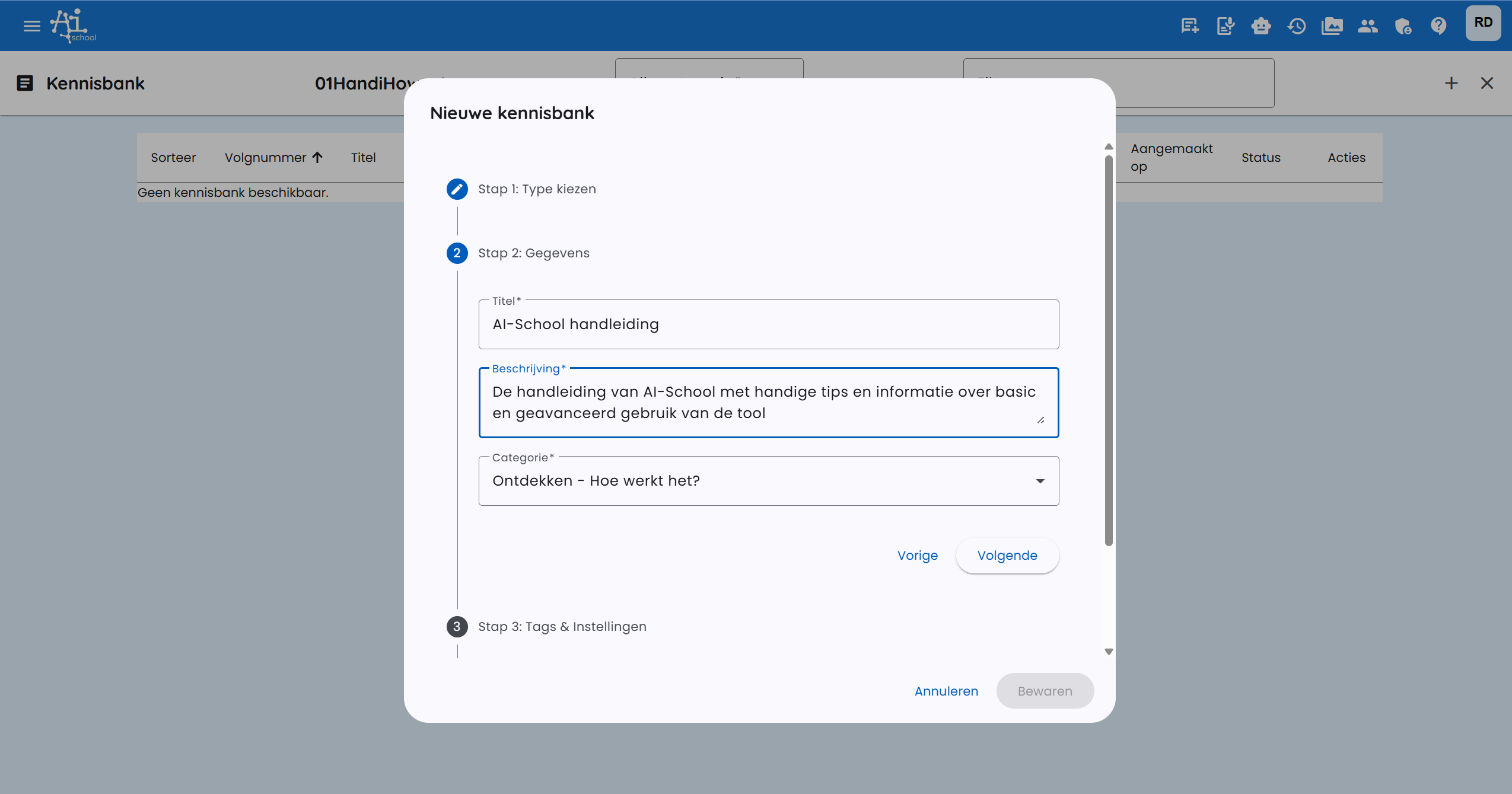
Step 2: Title, description and category
In step 2, you enter the title, description and category. The category can also be a subject offered at school.
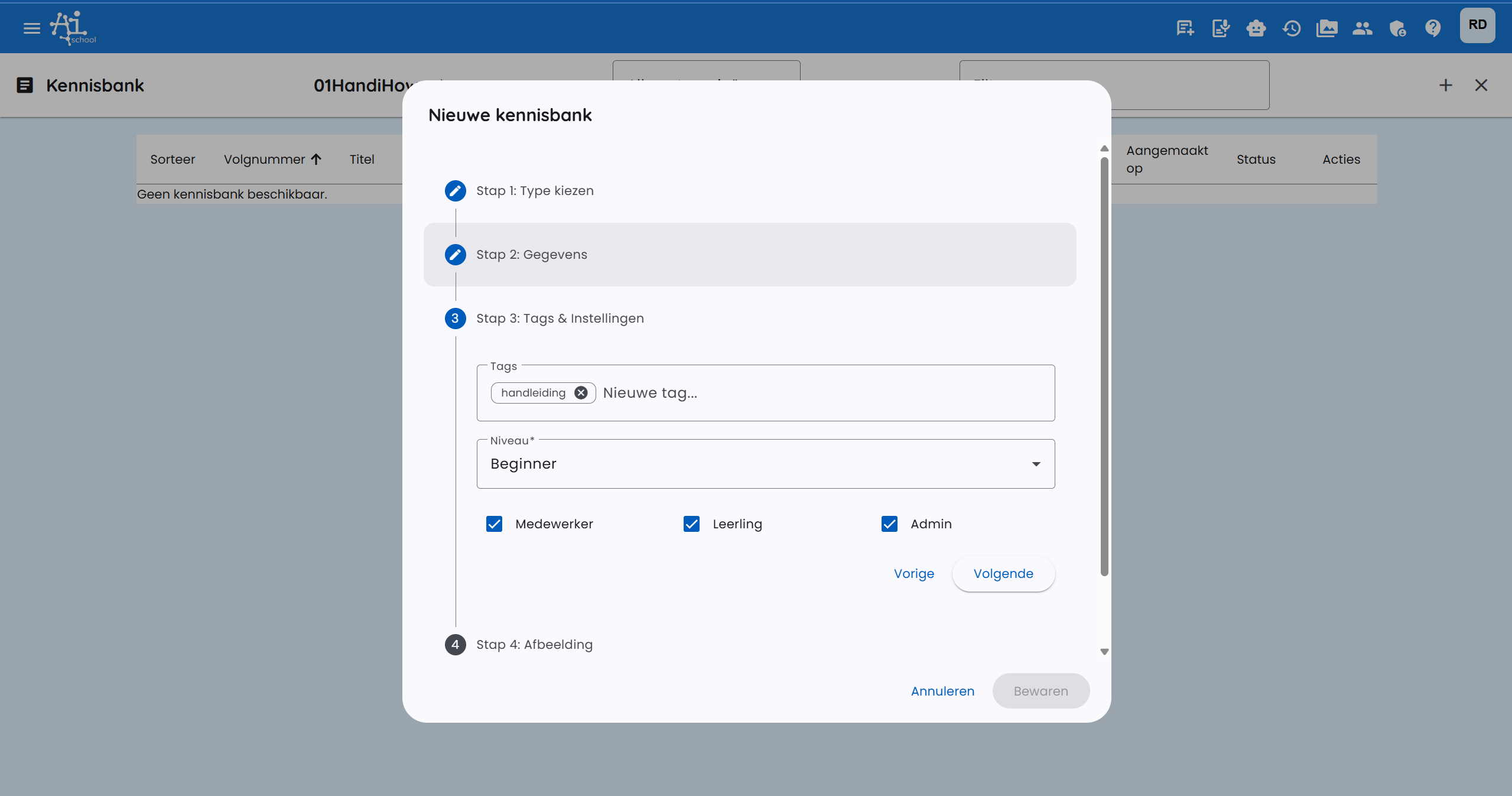
Step 3: Tags, level and target audience
In step 3, you optionally set tags and level:
- Level: Beginner, Advanced or Expert
- Target audience: Checkboxes for whom the knowledge base item is intended:
- Student
- Employee
- Admin
Step 4: Image
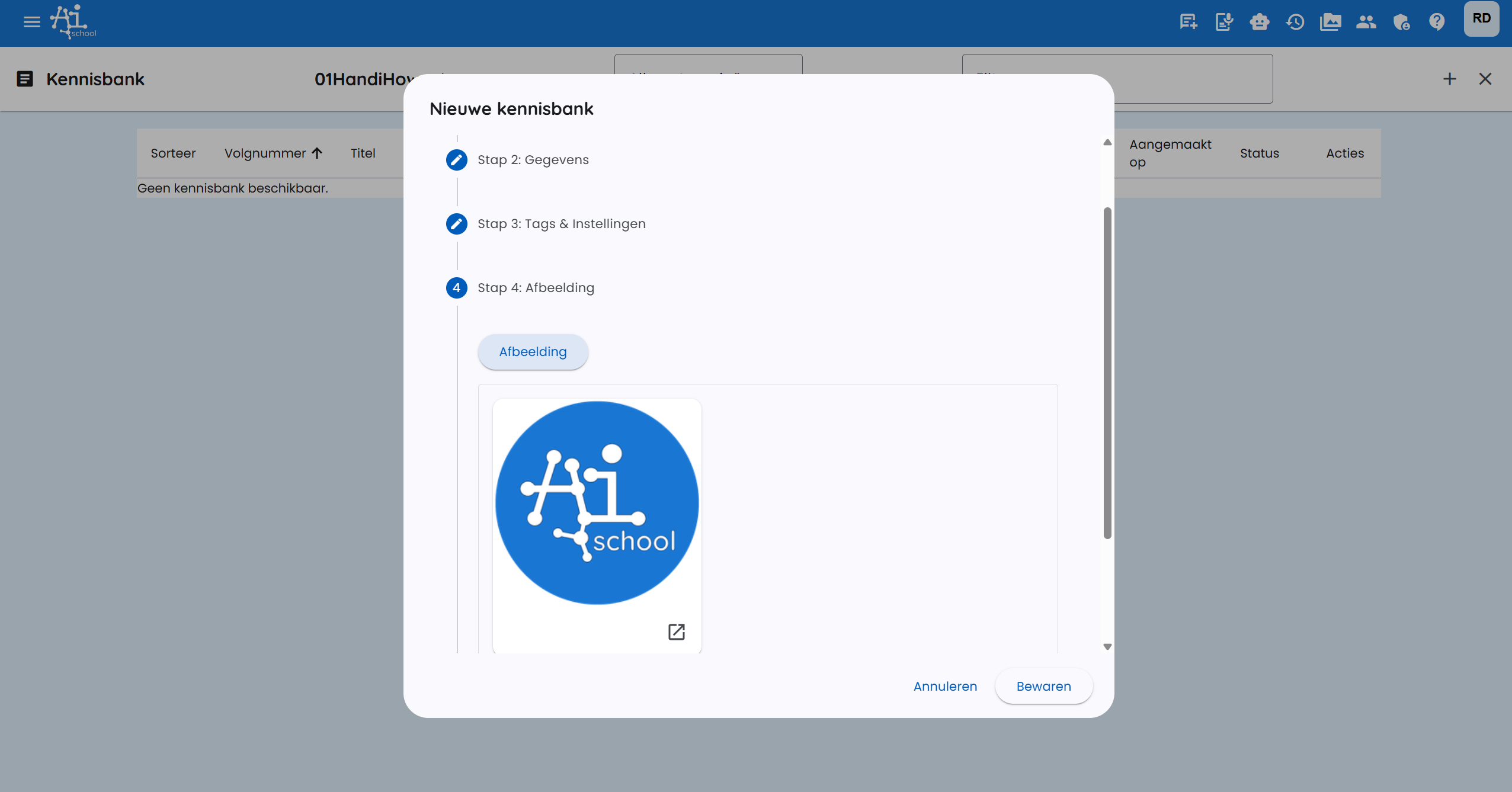
In step 4, you set an image. This must be a square image of preferably 500x500px.
Step 5: Translations
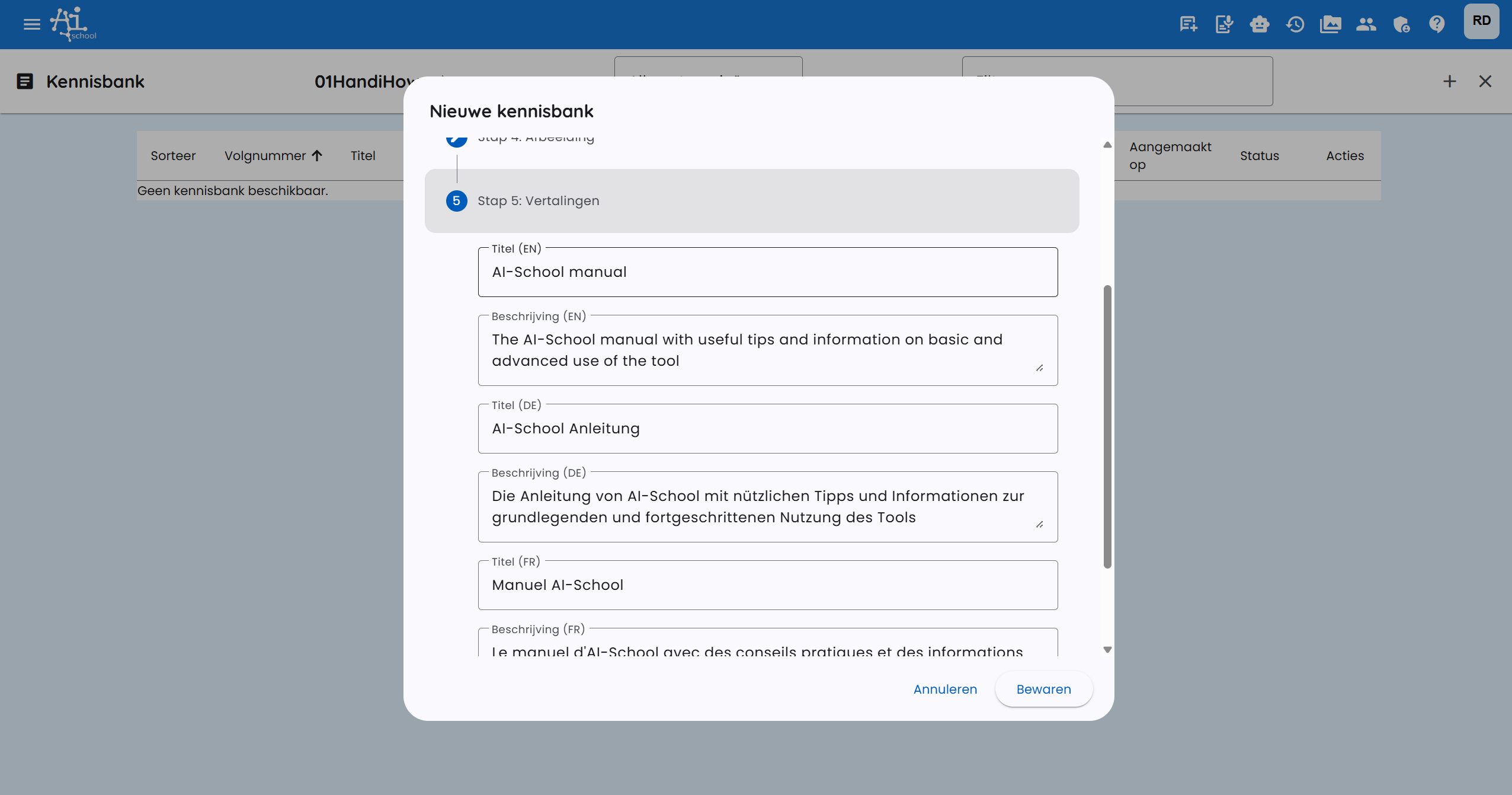
After step 4, translations of the title and description are automatically created so that they work well in all supported languages (English, French and German). In step 5, you can still adjust these.
After completing all steps, the knowledge base item is added and immediately visible to the selected target audience.